Invoices and payouts
Read your book — the recurring revenue and margin across your clients — and follow the money from a client charge through to a payout landing in your bank.
- 1
Your book
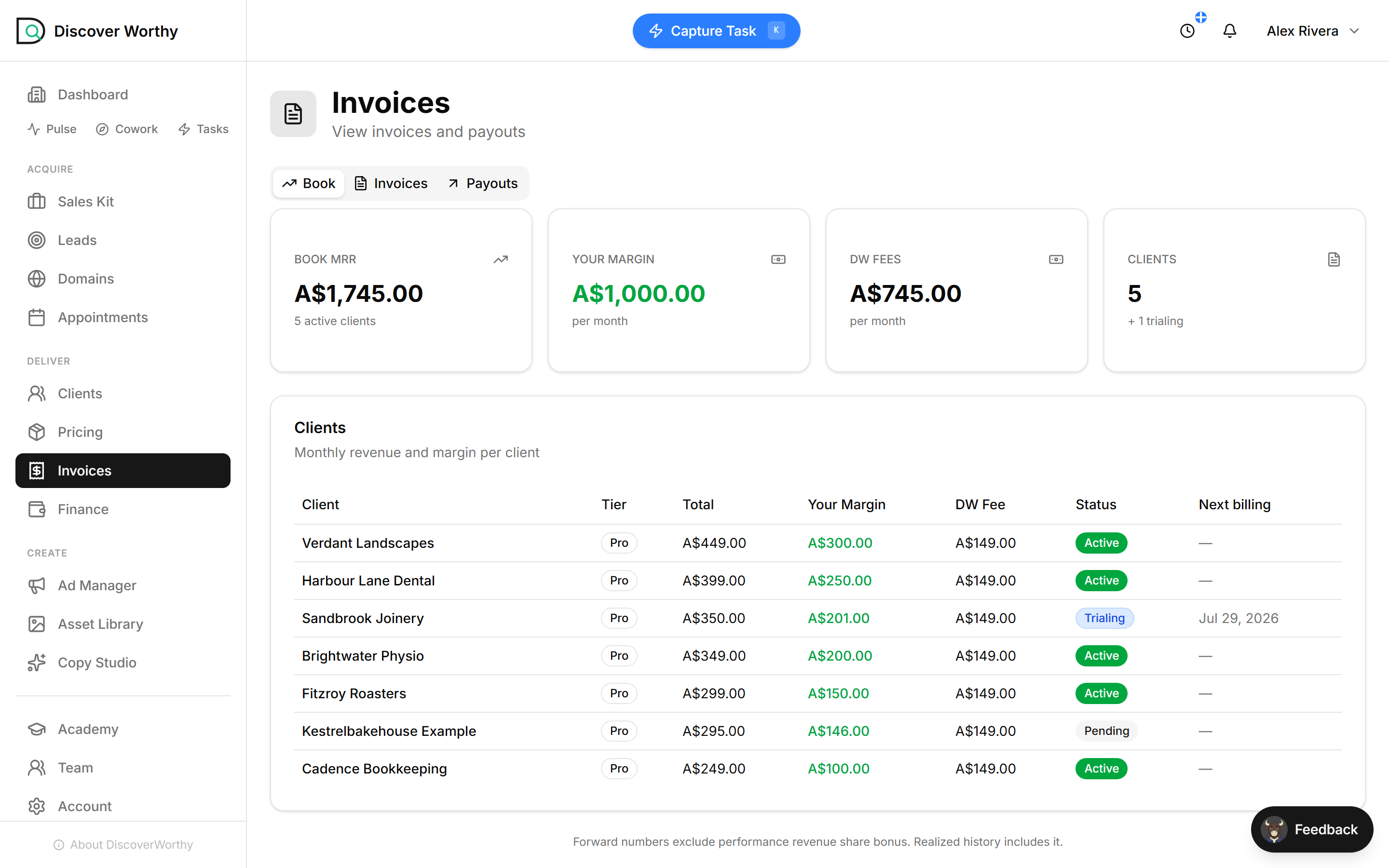
The Book tab is the whole business on one screen. Book MRR is the recurring revenue across your active clients. Your Margin is what you keep once the platform fee comes out — the number that is actually yours. DW Fees is what DiscoverWorthy charges underneath.
Seeing your margin and the platform fee side by side is the point: the fee is a cost of running on the platform, not something that comes out of your pocket after the fact. What you set as your price, minus that fee, is your margin — shown here in green because it is the part you take home.
Open InvoicesForward figures here exclude the performance revenue-share bonus you earn on each client subscription. Realised history includes it, so what actually lands tends to be a little higher.
- 2
What each client is worth
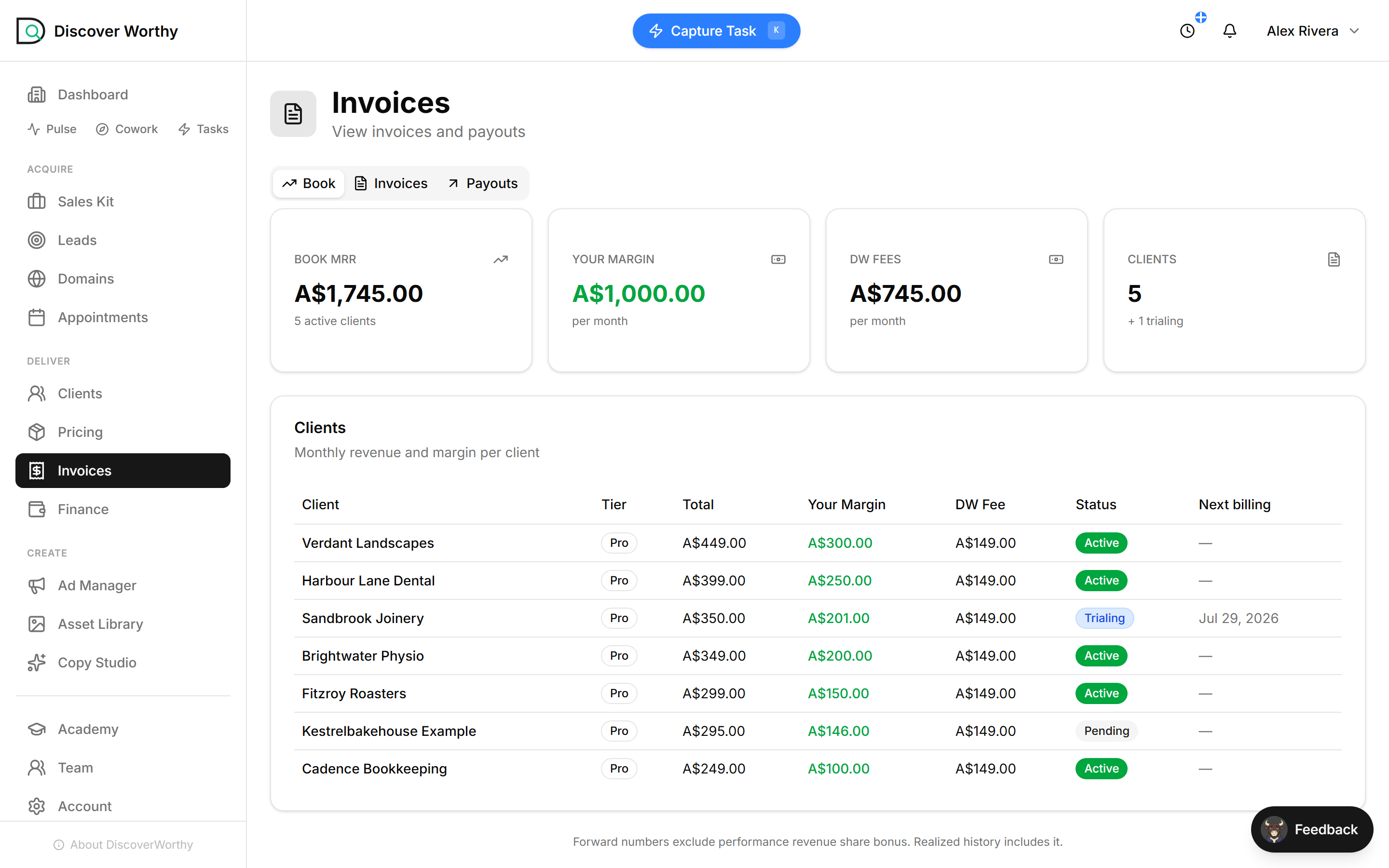
Below the headline numbers, every client is broken out: what they pay in total, your margin on them, the platform fee, their status, and when they bill next.
This is where you see which clients carry the book and which are thin. A trialing client shows a next-billing date rather than a dash — that is the day their margin starts counting for real.
- 3
Invoices — the paper trail
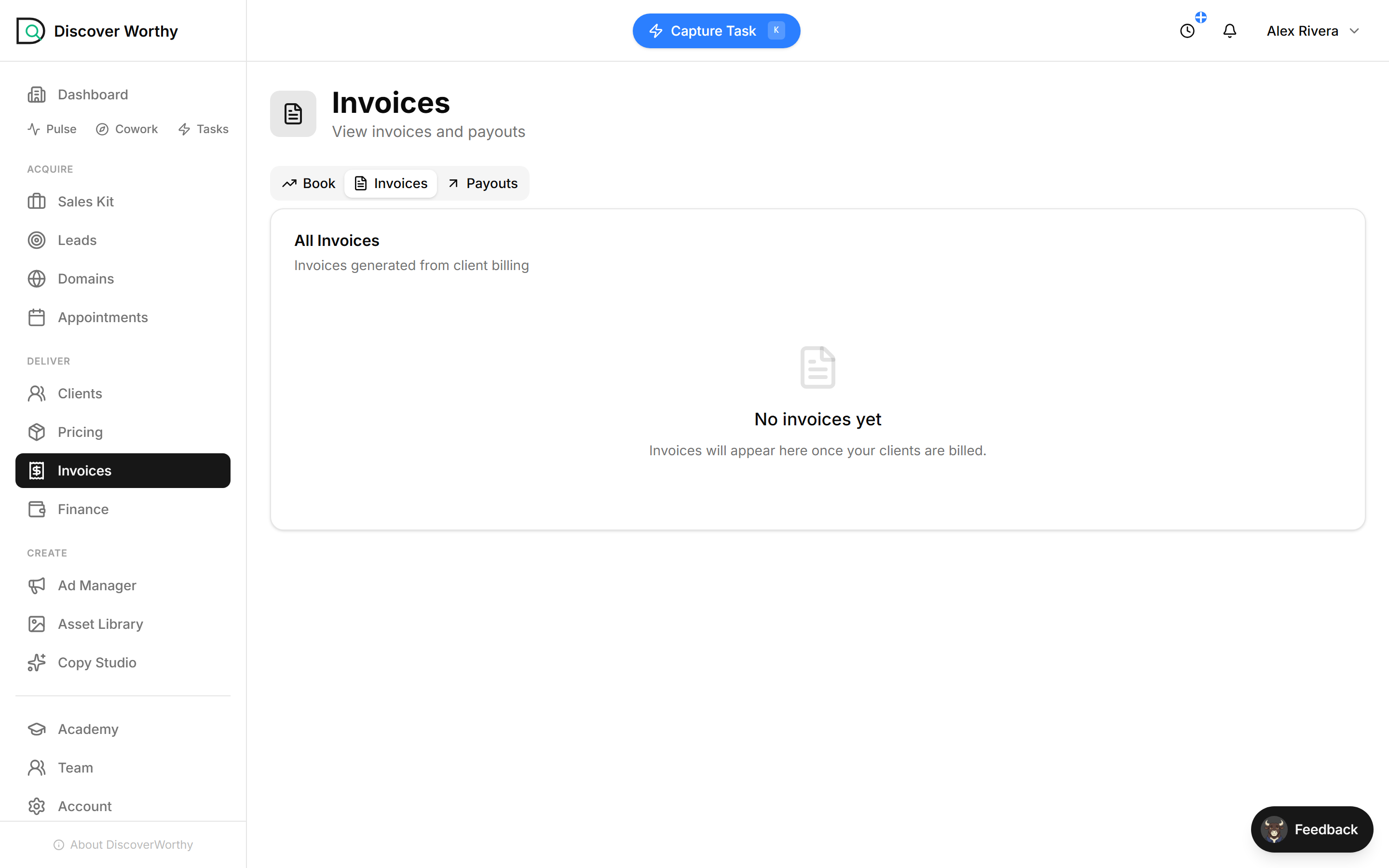
The Invoices tab is where the numbered tax invoices live, generated automatically from client billing. You do not raise them; they are produced each time a client is charged.
A brand-new book shows nothing here yet, which is exactly right — invoices appear the moment your clients start being billed. Once they do, this becomes the record you and your clients can point back to.
- 4
Payouts — money in the bank
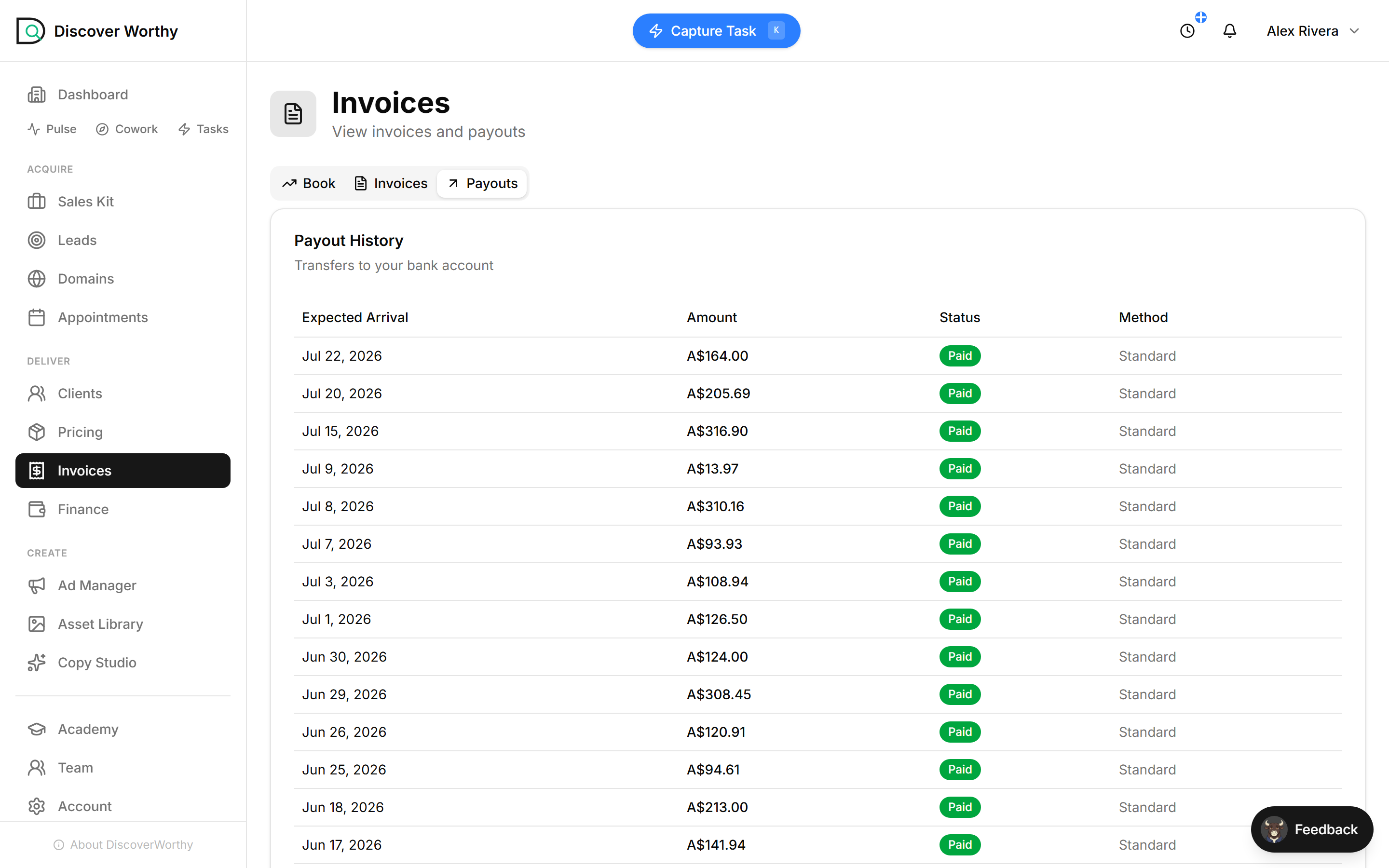
The Payouts tab is the end of the chain: the actual transfers of your margin into your bank account. Each row is a payout — when it is expected to arrive, how much, whether it has been paid, and the method.
This is the number that matters when the month is over. Everything else — the price you set, the charge, the margin — exists to make this list grow.
Payouts run through your connected payment account, so they follow its normal schedule. If a payout is delayed, it is almost always the bank or the payment provider, not DiscoverWorthy holding it.
Ready to start?
Create your freelancer account and follow along.